
Remove Image Background
100% Automatically and Free
Remove backgrounds from any image in just one click with our AI-powered background remover. Make transparent backgrounds instantly!

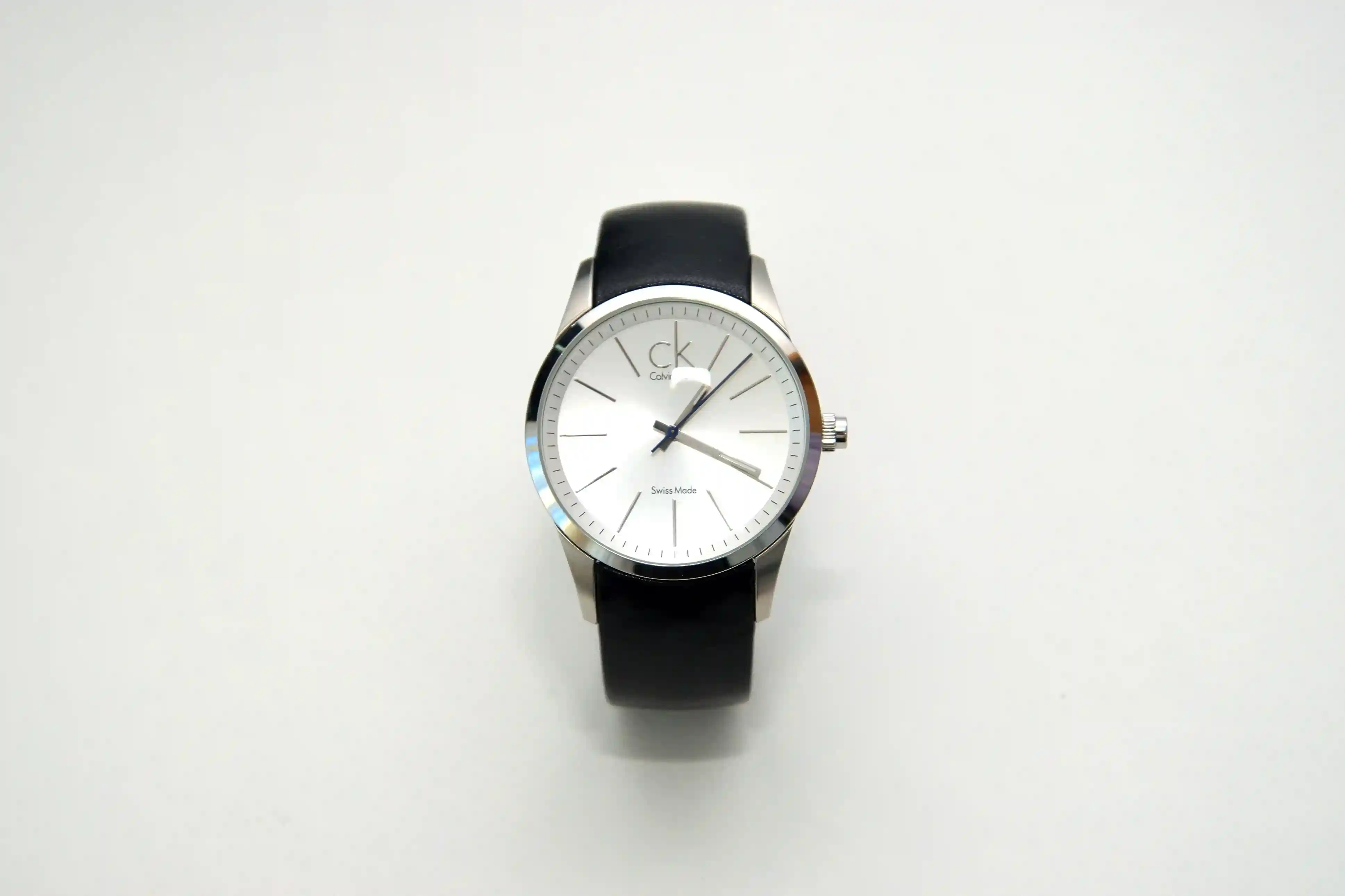
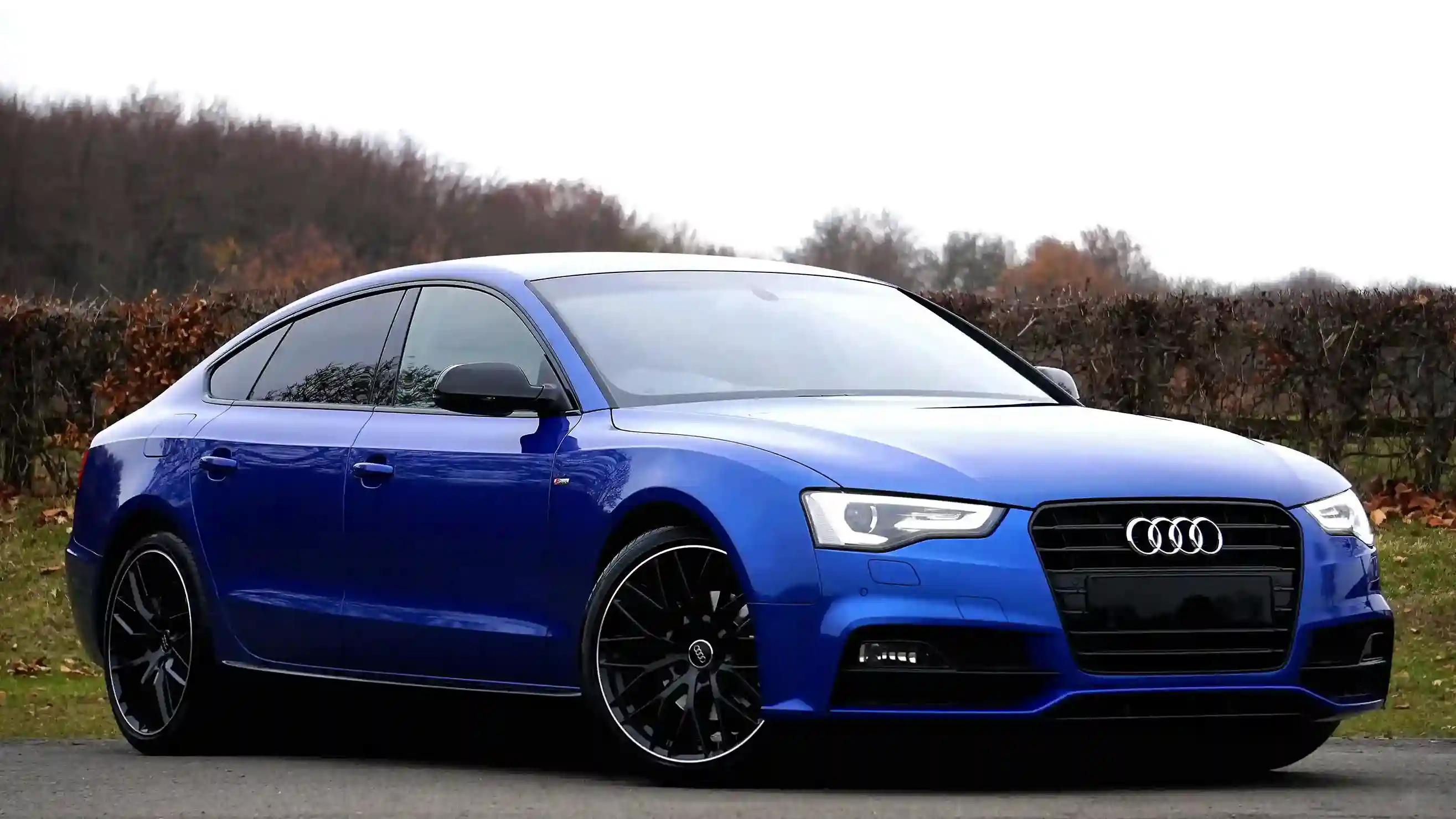
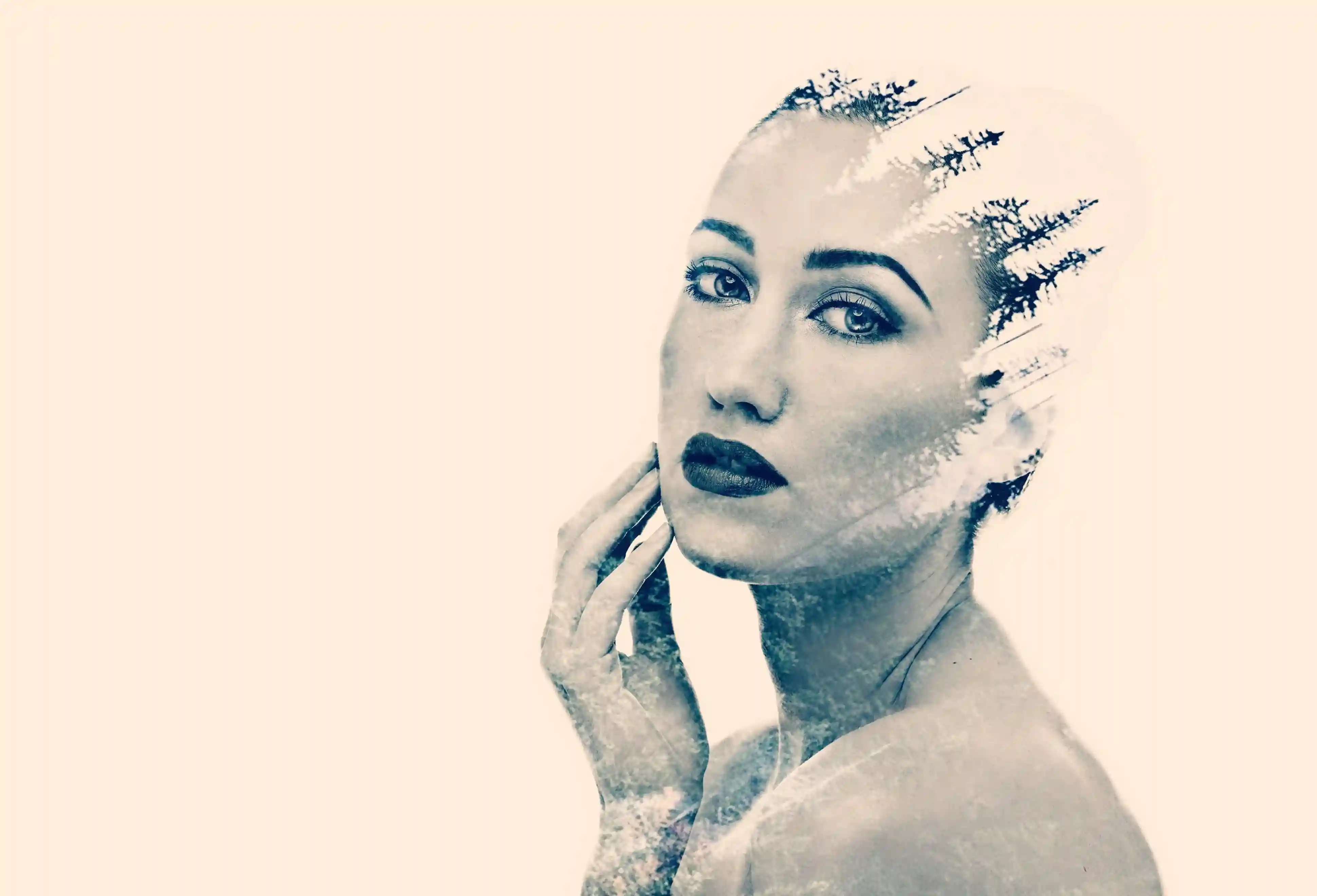
No image? Try one of these:

By uploading an image, you agree to our Terms of Service. To learn more about how we handle your data, check our Privacy Policy.
How Our Background Remover Works
Remove backgrounds from images in just three simple steps - no technical skills required!

Upload Your Image
Upload any image from your device, or paste an image URL. We support JPG, PNG, and WebP formats up to 10MB.

Automatic Processing
Our AI technology automatically identifies the foreground subject and removes the background, with no manual editing required.

Download Your Image
Download your image with the background removed in multiple formats including PNG with transparency, JPG, or WebP.
Background Removal Examples
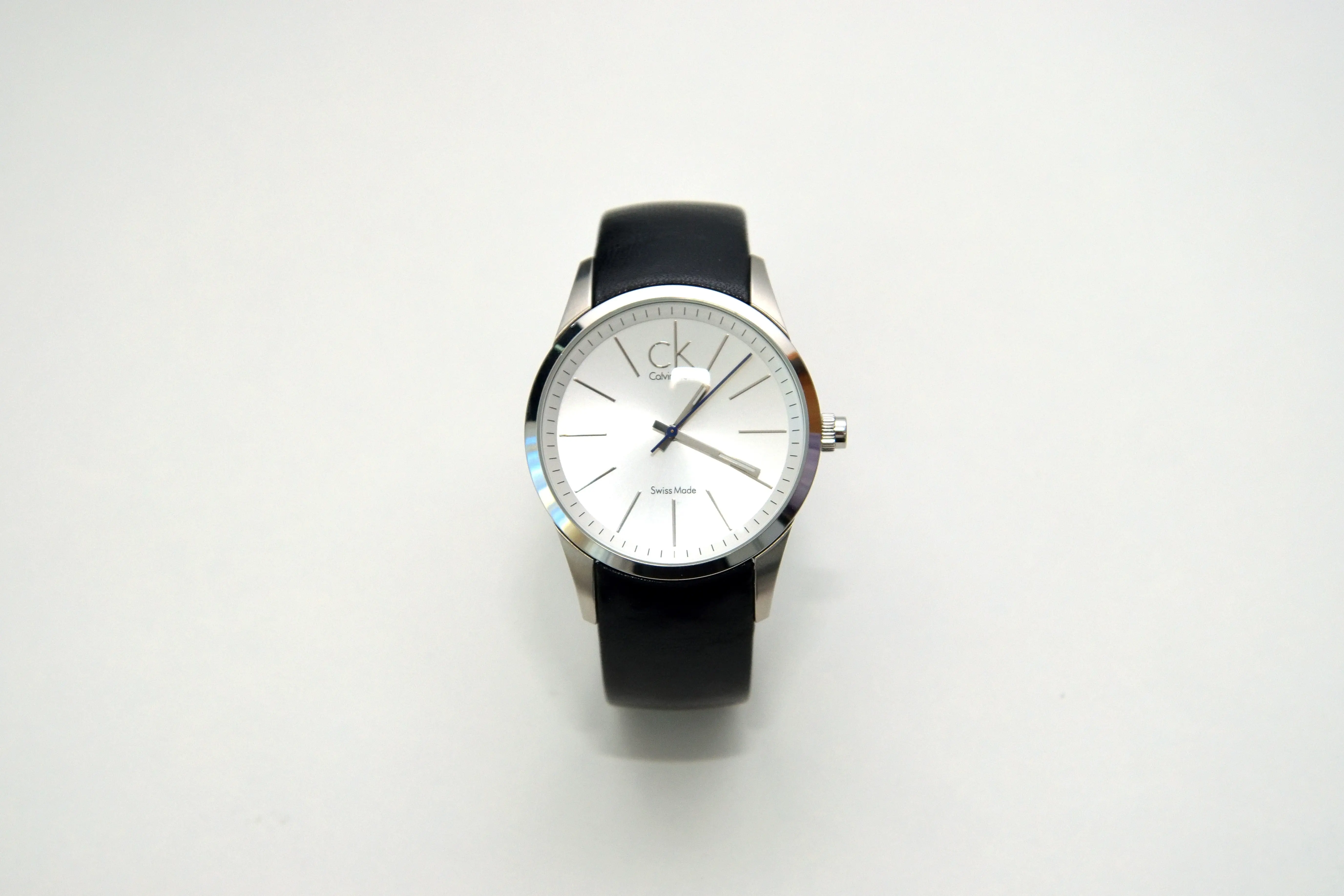
See the power of our background remover with these before and after examples
Before
 After
After
Product Photography
Create clean, professional product images with transparent backgrounds for e-commerce stores.
Before
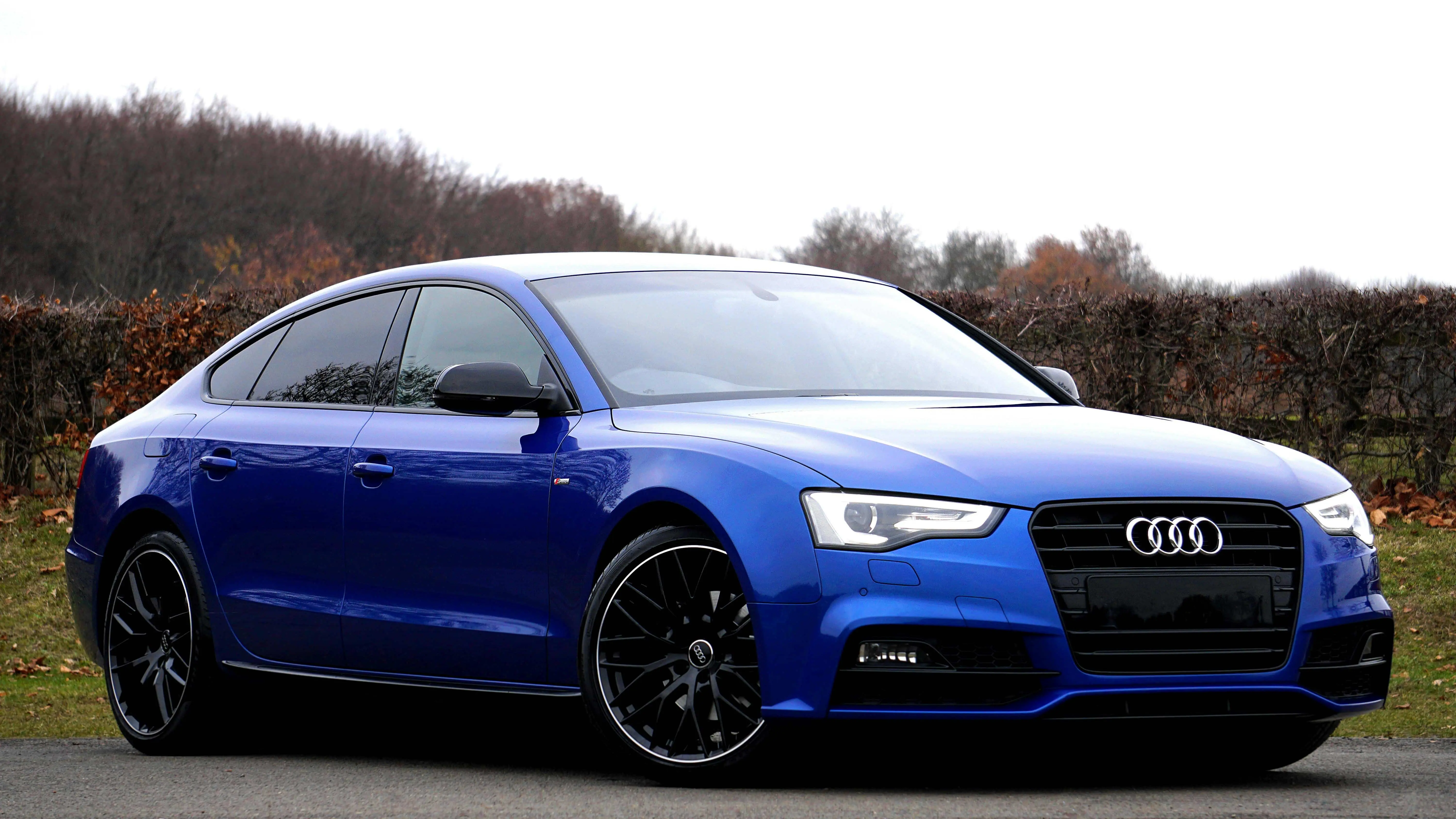 After
After
Portrait Photos
Remove backgrounds from portraits to create professional headshots or creative social media profile pictures.
Before
 After
After
Design Elements
Extract objects from images for graphic design, presentations, or creative compositions.
Benefits of Our Background Remover
Why thousands of users choose our tool for their background removal needs

High Accuracy
Our AI technology precisely detects edges and handles complex details like hair and transparent objects.

Fast Processing
Get results in seconds, not minutes. Process multiple images quickly without waiting.

100% Free
No hidden fees, watermarks, or registration required. Access professional-quality background removal at no cost.

Privacy Focused
We respect your privacy. Your images are automatically deleted after processing, and we don't store them permanently.
Background Removal Use Cases
Discover how our background remover can help in various scenarios
E-commerce Product Photos
Create professional product images with clean, white or transparent backgrounds for your online store. Improve product presentation and increase sales with consistent, high-quality product images.
Social Media Content
Create eye-catching social media posts by removing image backgrounds and placing subjects on colorful or branded backgrounds. Perfect for Instagram, Facebook, and other platforms.
Professional Headshots
Transform casual photos into professional headshots for LinkedIn profiles, business websites, or corporate directories by removing distracting backgrounds.
Graphic Design Projects
Extract elements from photos to use in graphic design work, such as posters, brochures, or digital marketing materials. Combine elements to create unique compositions.
Presentations & Documents
Create cleaner, more professional presentations by removing backgrounds from images used in PowerPoint slides, documents, or reports.
Personal Creative Projects
Create fun photo manipulations, collages, and creative compositions by removing backgrounds and combining multiple images.
Frequently Asked Questions
Find answers to common questions about our background remover tool
Is this background remover really free?
Yes, our background remover tool is completely free to use with no hidden fees or limitations. You can upload images and download the results without paying anything.
What image formats can I upload?
Our tool supports common image formats including JPG, JPEG, PNG, and WebP. You can upload images up to 10MB in size.
How accurate is the background removal?
Our AI-powered background remover provides high-quality results for most images. It works best with clear subjects against contrasting backgrounds, but can also handle complex edges like hair and fur. For very complex images, results may vary.
How do I get the best results?
For optimal results, use images with good lighting and clear contrast between the subject and background. Higher resolution images generally produce better results. If the first attempt isn't perfect, try adjusting the lighting or contrast of your original image.
What happens to my uploaded images?
We take your privacy seriously. Images uploaded to our server are automatically deleted after processing, typically within 24 hours. We do not store or use your images for any purpose other than providing the background removal service.
What can I do with my background-removed images?
Once you've removed the background, you can use your images for various purposes including e-commerce product photos, social media posts, professional profiles, graphic design projects, presentations, or personal creative works.